Image is for illustration only and should not be relied upon
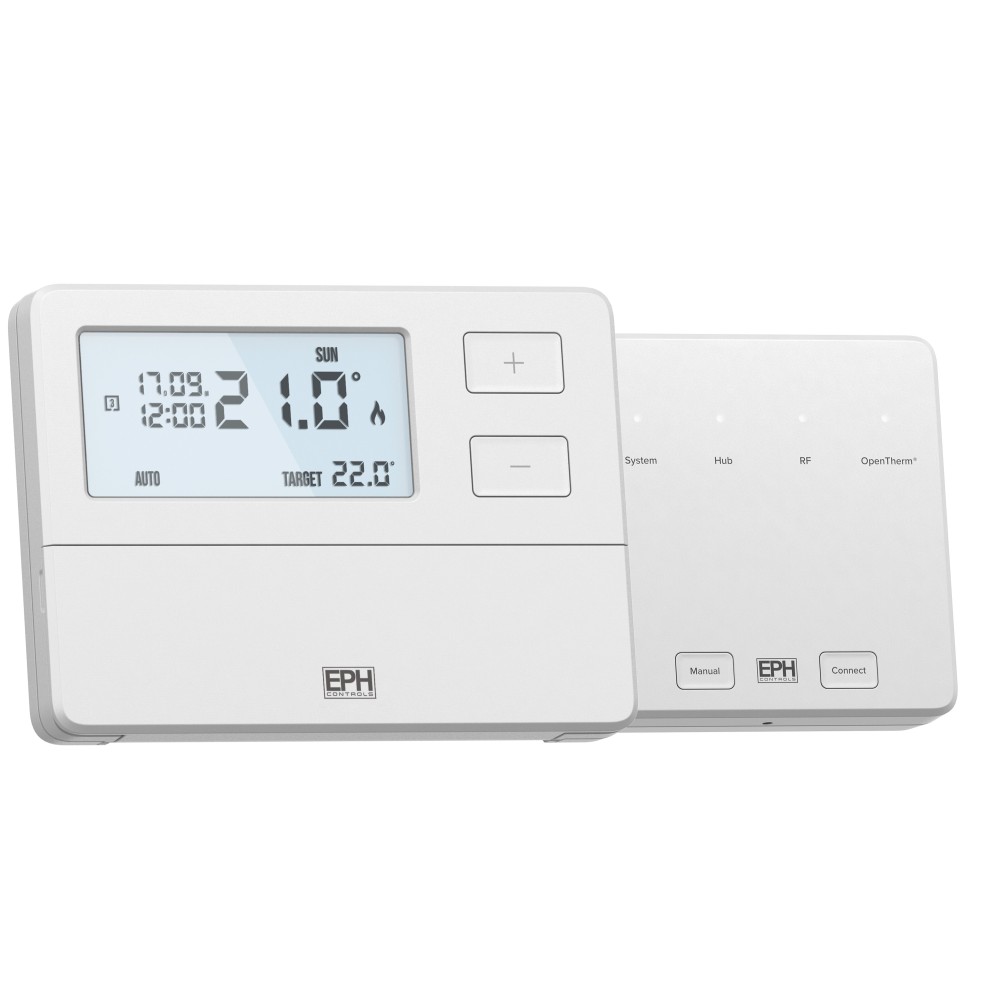
EPH CP4 (COMBIPACK4) - OpenTherm Programmable RF Thermostat v2
£68.40
Ex VAT: £57.00
-
To set the boost function on your CP4 thermostat, please follow these simple steps:
- Press the Boost button on the front of the thermostat. Pressing it once will select a 1-hour boost, twice for 2 hours, and three times for 3 hours.
- Use the Up and Down arrow buttons to adjust the temperature you want the heating to reach during the boost period.
- Press the OK button to confirm, or simply wait 5 seconds for the setting to lock in.
The screen will now show a countdown timer for your boost. If you need to cancel the boost early, just press the Boost button again until the boost icon disappears and the thermostat returns to its normal schedule.
-
It has a 5 year warranty
-
Yes, it comes with a table stand.
Showing 1 to 3 of 3 (1 pages)