Replaces obsolete ST6100C1009
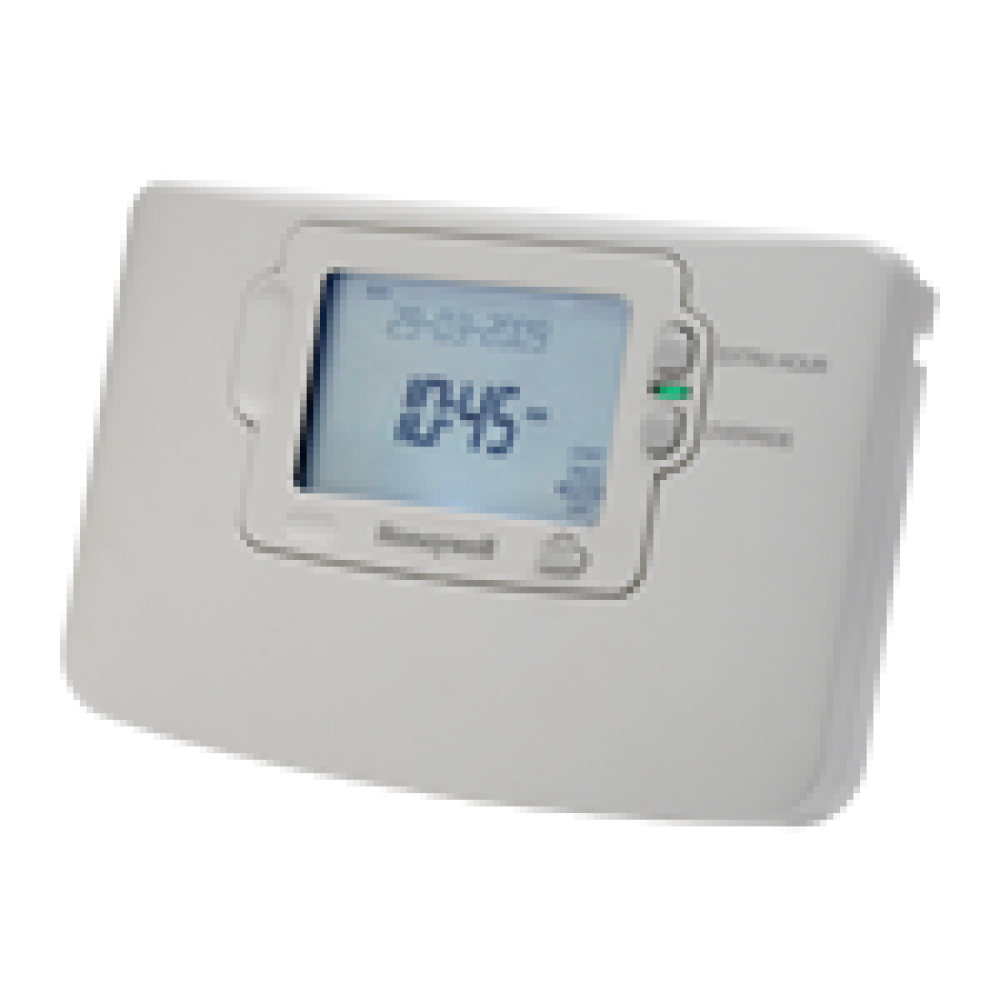
The ST9100C is a 7 Day single channel timeswitch that gives great flexibility offering up to three on periods per day. Additionally each day may be programmed differently. It is ideal for combi installations when the user has different heating needs from day to day or as a zone control on a larger system.
The ST9100 range has the new groundbreaking Lone of Text (LoT) display that gives clear plain english Instructions whenever any button or slider is used. This means installers customers and users can operate all of the controls reliably without nneding to find an instruction manual.
* Complete with new backplate
* Large backlit display
* Factory set clock and date
* Automatic Summer/Winter 1 hour time change
* Up to 3 On/Off periods per day
* Temporary or permanent override facilities
* Extra hour facility for up to 3 hours of boost or advance
* Choice of 3 different built in programmes
* Programme indicator lights
* 3(3)A SPDT Volt-Free contacts
* Dimensions 99x145x35mm HxWxD
Model: ST9100C1006
Replaces (same backplate and wiring for easy swapover):
Honeywell ST6100A ST6100C
Showing 1 to 4 of 4 (1 pages)